
This is a smal and quick instruction list to install XQuatz:
It should look like
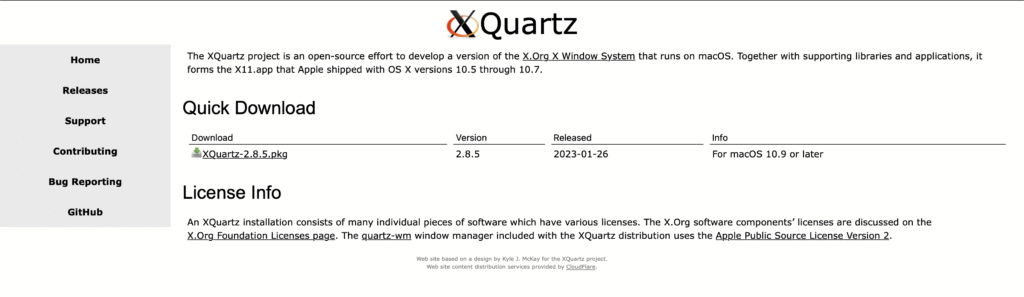
and click download the XQuarz-2.x.x.pkg
Mandelbrot
Robotics
– A Blog –
This is a smal and quick instruction list to install XQuatz:
It should look like
and click download the XQuarz-2.x.x.pkg
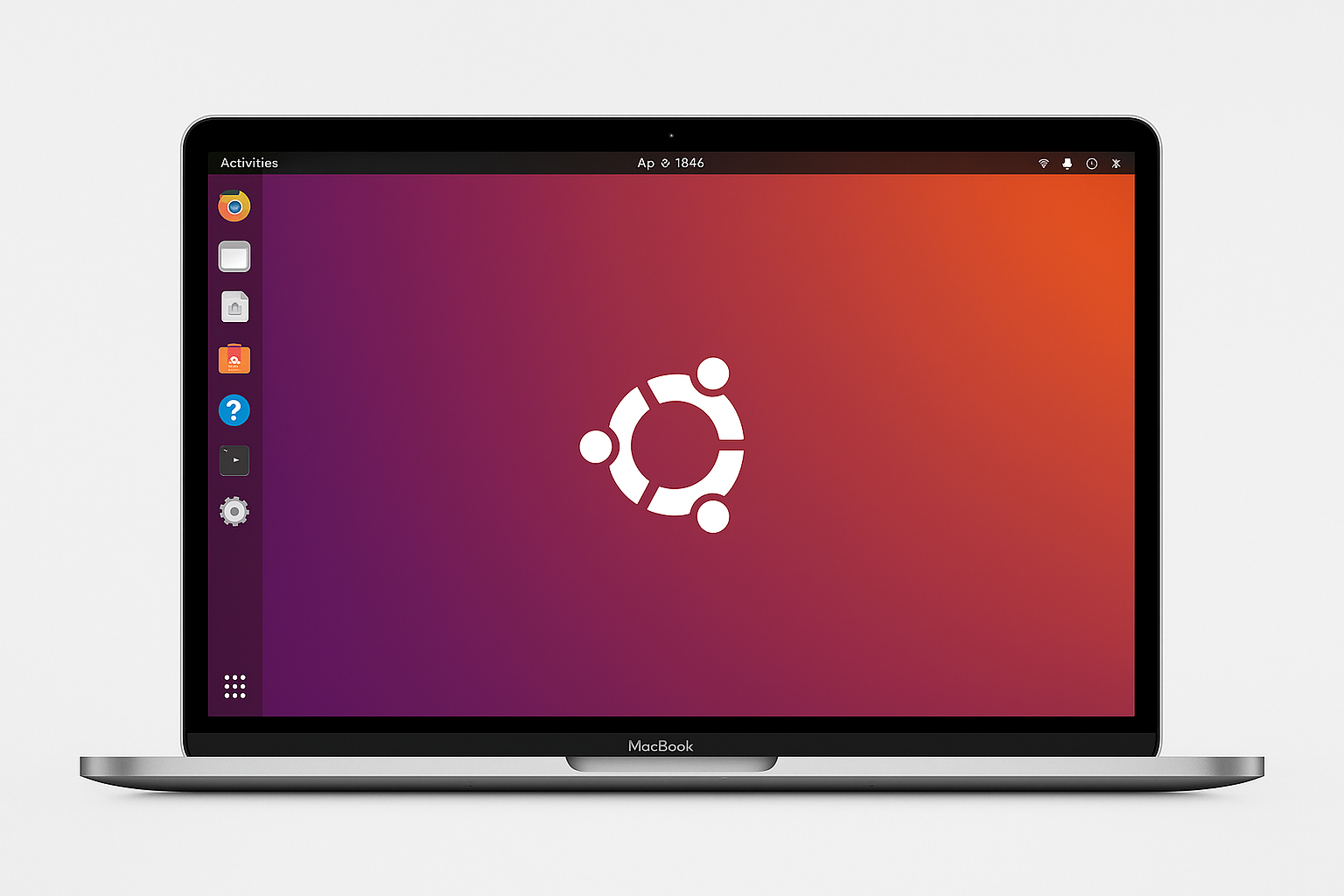
Let me start by stating: in my opinion, Mac is great in its entirety. Its product design, accompanied by its software and compatibility with other Apple products, such as copy-pasting between different devices, as well as using the iPad as a secondary display on the go, is outstanding.
When working with university code or trying to program robots, which is my favourite personal pastime, one quickly gets frustrated. If code is provided, it is next to never written with inter-device compatibility in mind.
This means in my case, either get a new (secondary, as I am not giving up my Mac ecosystem, and thus having an even heavier backpack with Mac, iPad, power-bank, and the necessary bag with cables and adapters) laptop or fight the Mac.
Challenges always intrigue me, which also lead to this hopefully weekly (still need to figure out how many updates I can provide) updating blog-like post, where I am trying my best to document my progress on my vision to build my own personal robot.
So coming back to my Mac Linux problematic, where I want to point out that I am very happy that it is not the problem to run Windows on the new M-Series Macs, the obvious way to go is Docker.
Here I want to point out some advantages and disadvantages that I personally encountered:
+ If you got it working once, it is stable and transferable to other machines
+ You aren’t limited anymore by running a dual BIOS system
– The resolution is acceptable, but not perfect
– It can’t interact with USB devices like an Arduino/ESP32
– Learning it and setting it up sets you in front of a quite steep learning curve, which is not always enjoyable, even though it’s extremely exhilarating. I also want to preface here that I am not saying by any metric that my method is perfect. It just may serve as an entry point for other strugglers to get to their destination.
So let’s get to the meat:
docker pull --platform linux/amd64 ubuntudocker run --platform linux/amd64 -it ubuntu bashIn my previous post I showed you my method of running a graphical container on a M-series Mac. If your application however requires you to run on specific hardware because you might need a dedicated graphics card (from NVIDIA for example for most vision based applications) or the connection with external hardware like an arduino or esp32, but you are still as stubborn as me and refuse not to work on your Mac, the following post will show you how you can connect to a Linux device (in my case an raspberry pi 5<-amazon affiliate link)
Drawbacks rdesktop:
Drawbacks x11
• ⁃ no support for graphics card rendering: No simulation like rviz